Car Parts Visualizerapply parts across every angle
gemini-3-pro-image API key: env
Settings
GEMINI API KEY
MODEL OVERRIDE
Or set GEMINI_API_KEY in the environment / .env
1

Car angles

Six views of the same car. Fill the ones you have - empty boxes are skipped.

6 / 6 uploaded
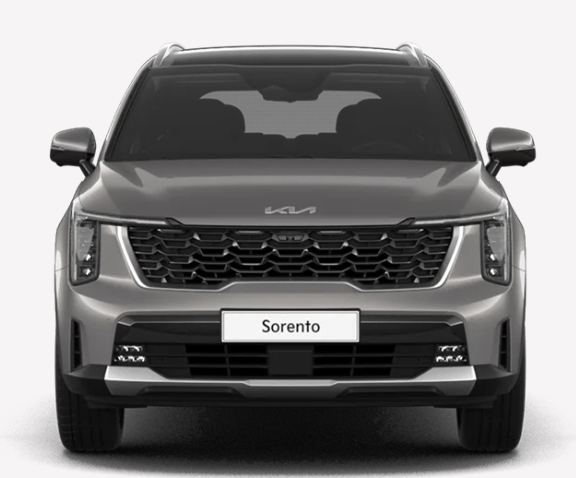
Front
Front edited
straight-on nose
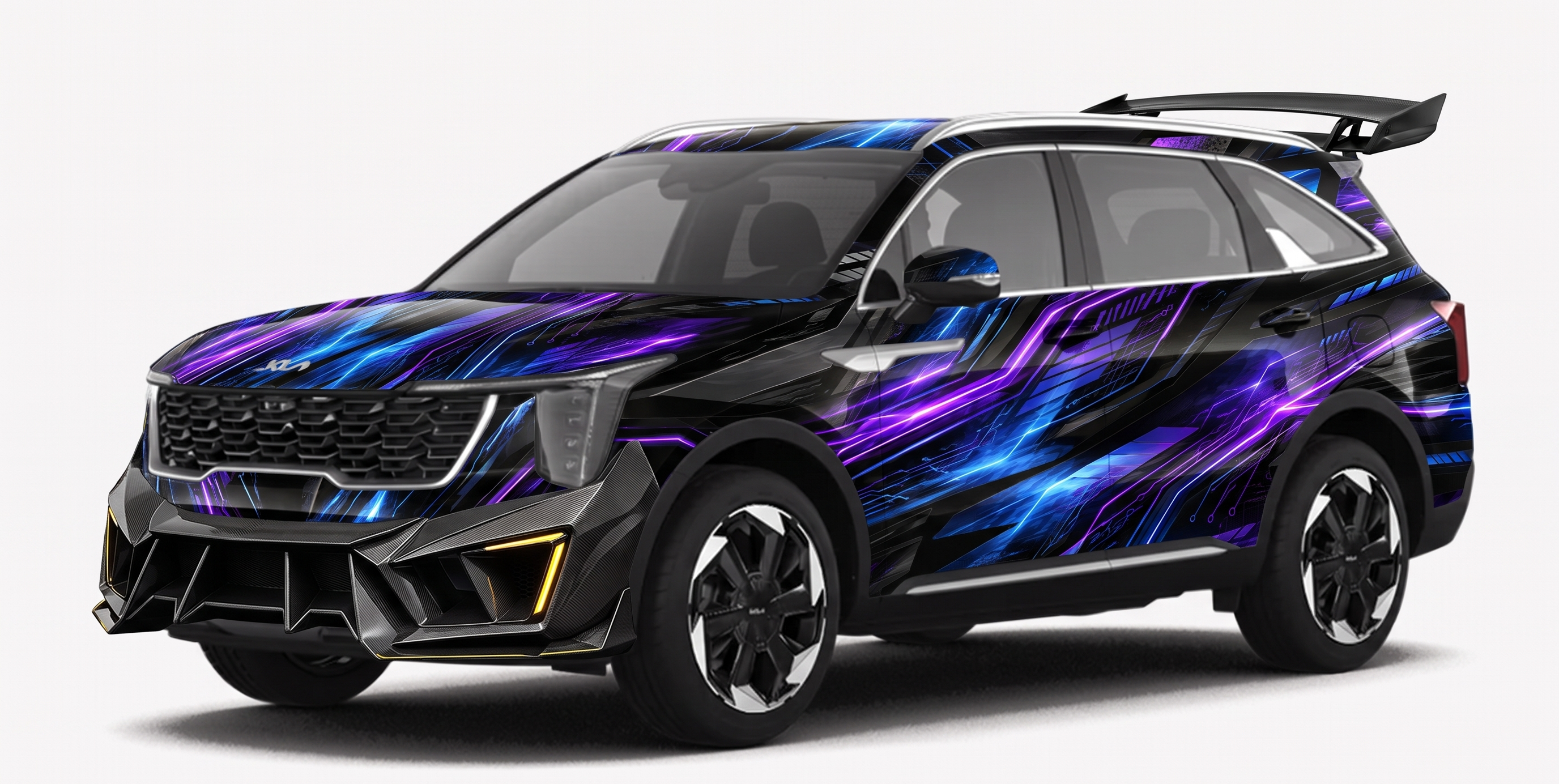
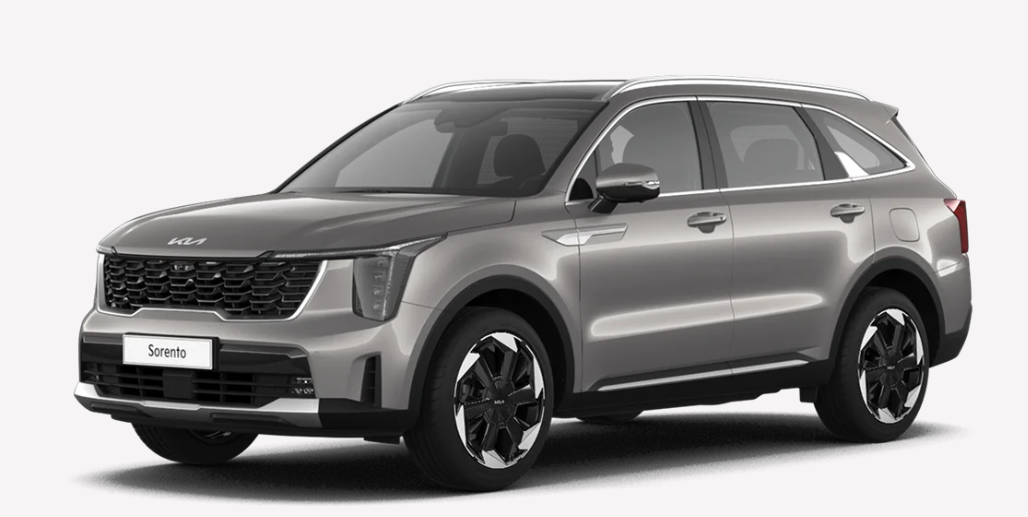
Front 3/4
Front 3/4 edited
front corner, most parts visible
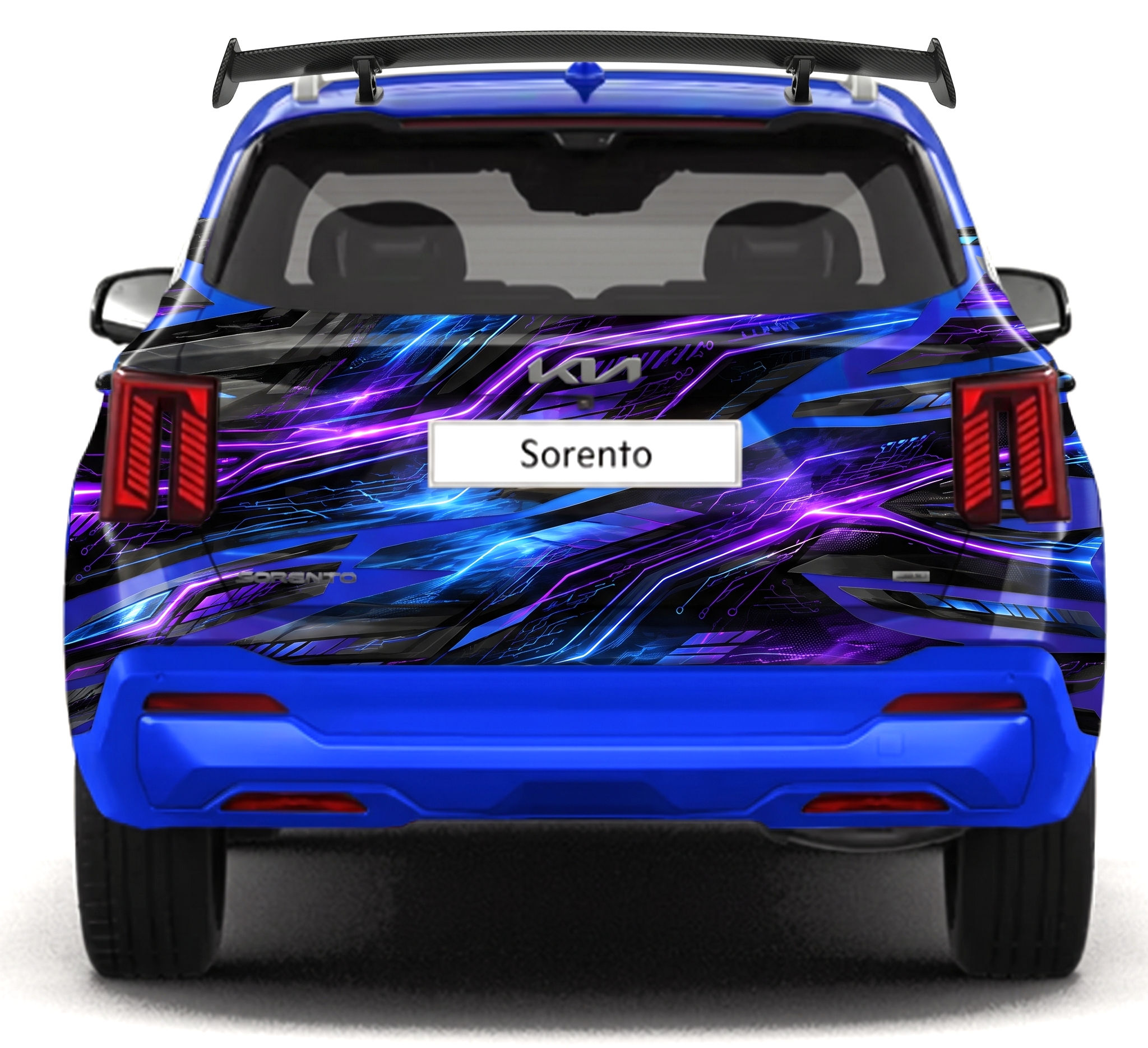
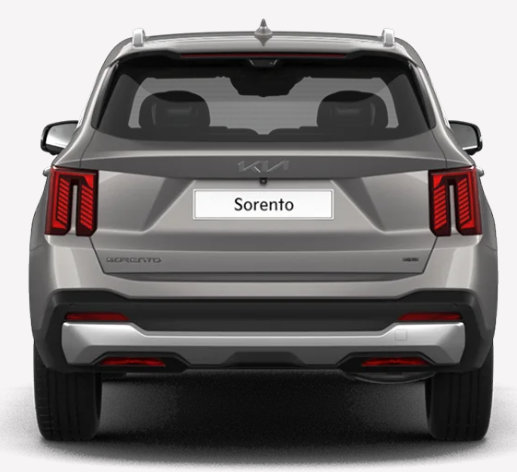
Rear
Rear edited
straight-on tail
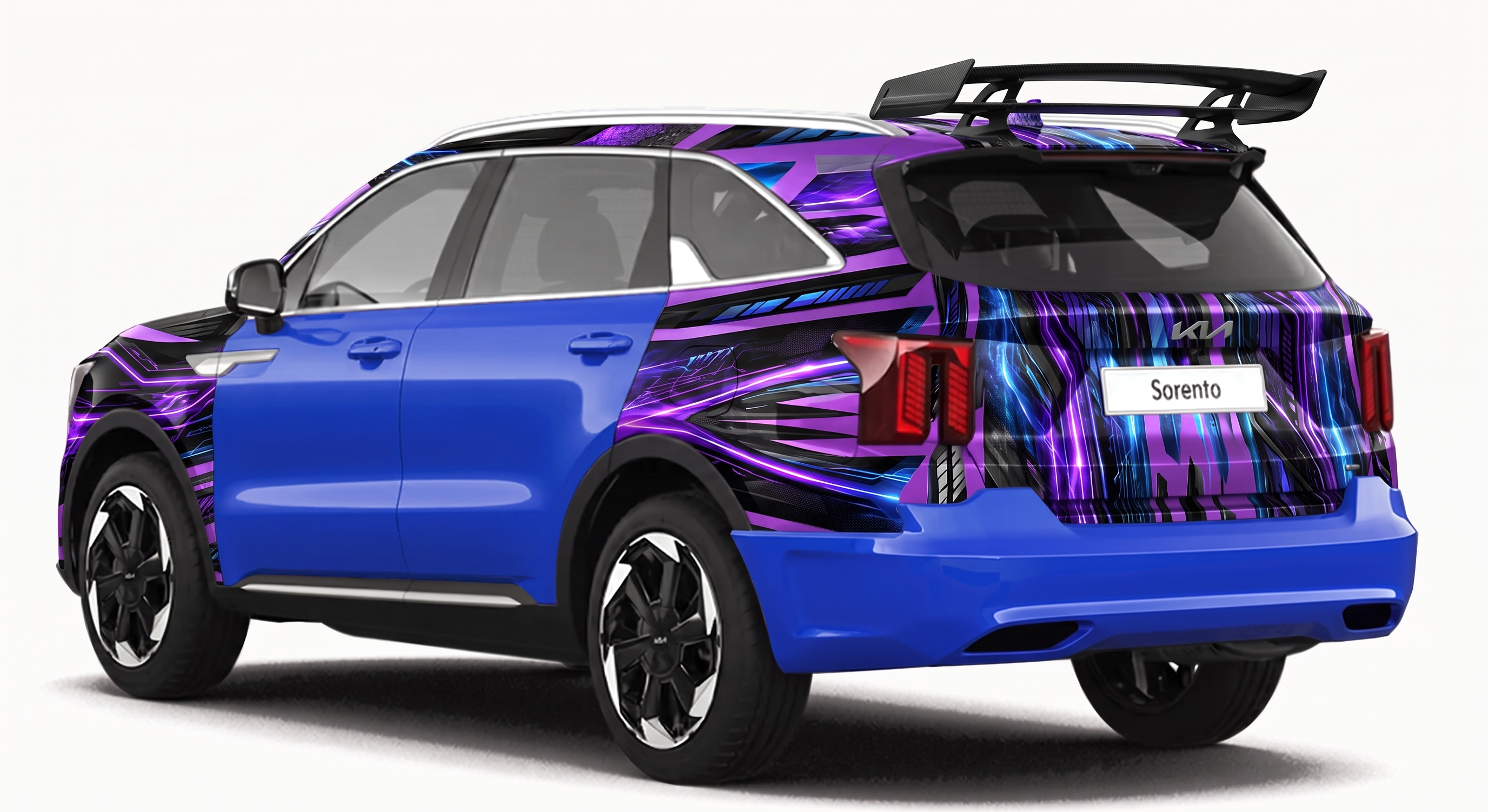
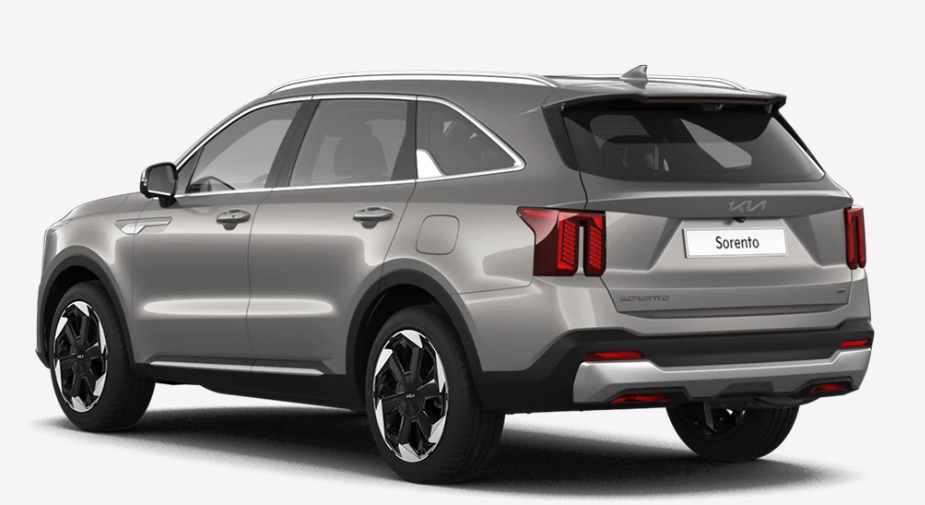
Rear 3/4
Rear 3/4 edited
rear corner
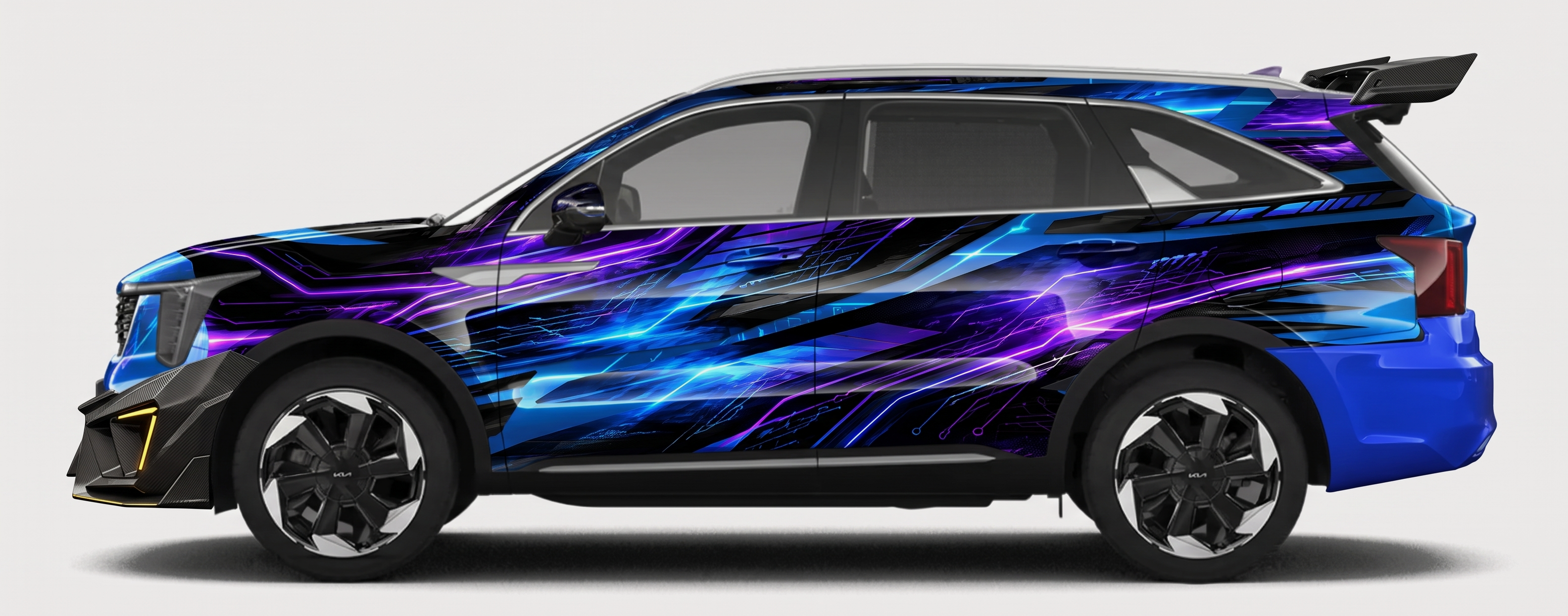
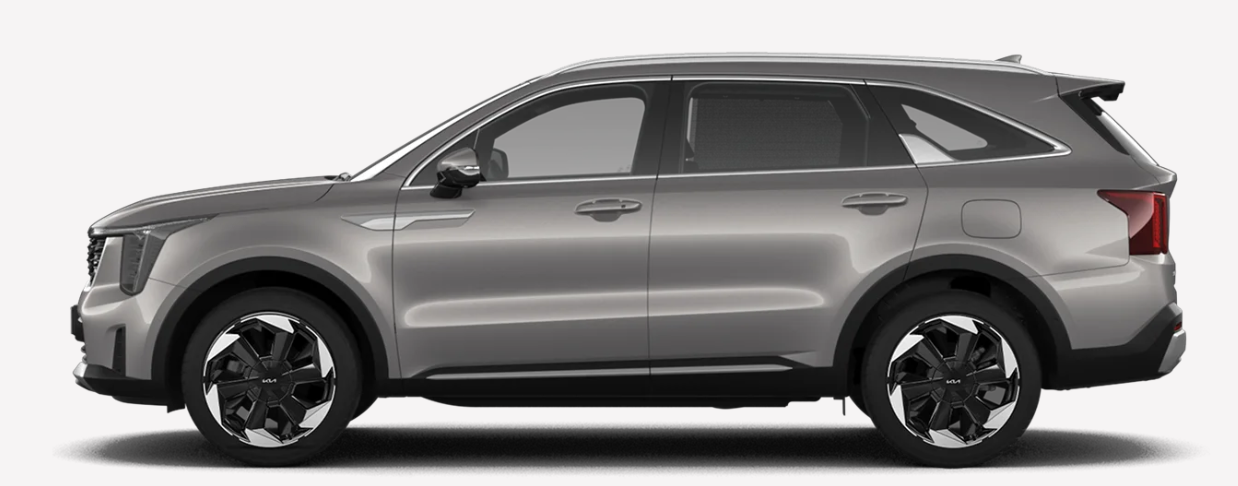
Left side
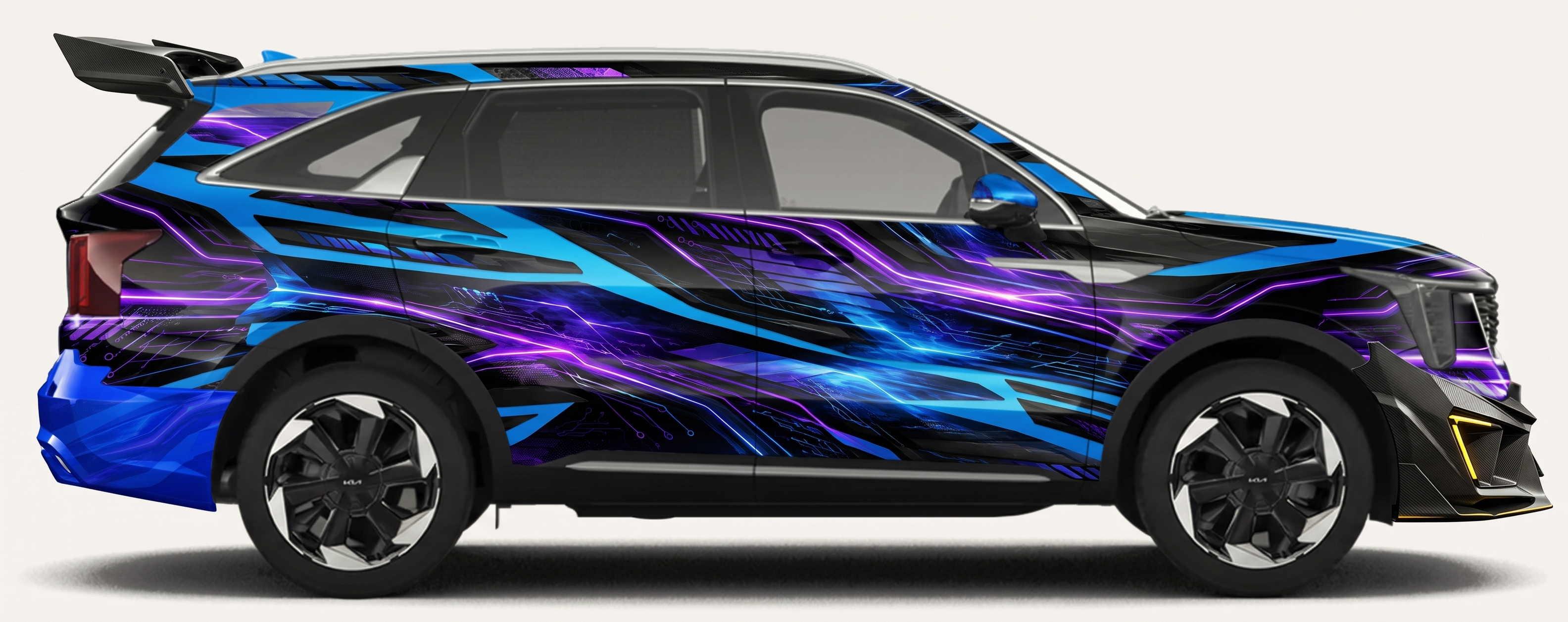
Left side edited
full profile, driver side
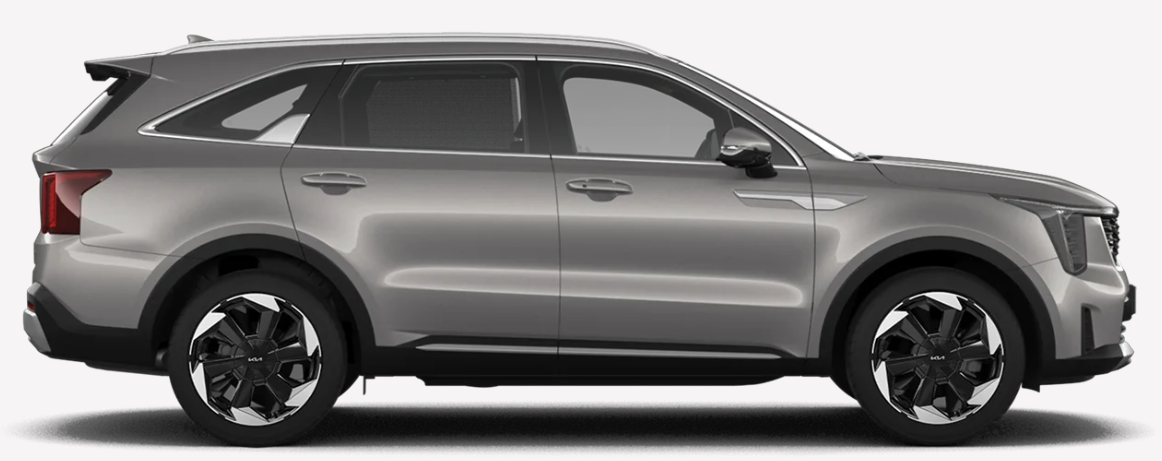
Right side
Right side edited
full profile, passenger side
2

Parts

Each part needs an instruction - tell the model how to fit it, in plain imperative.

4 parts
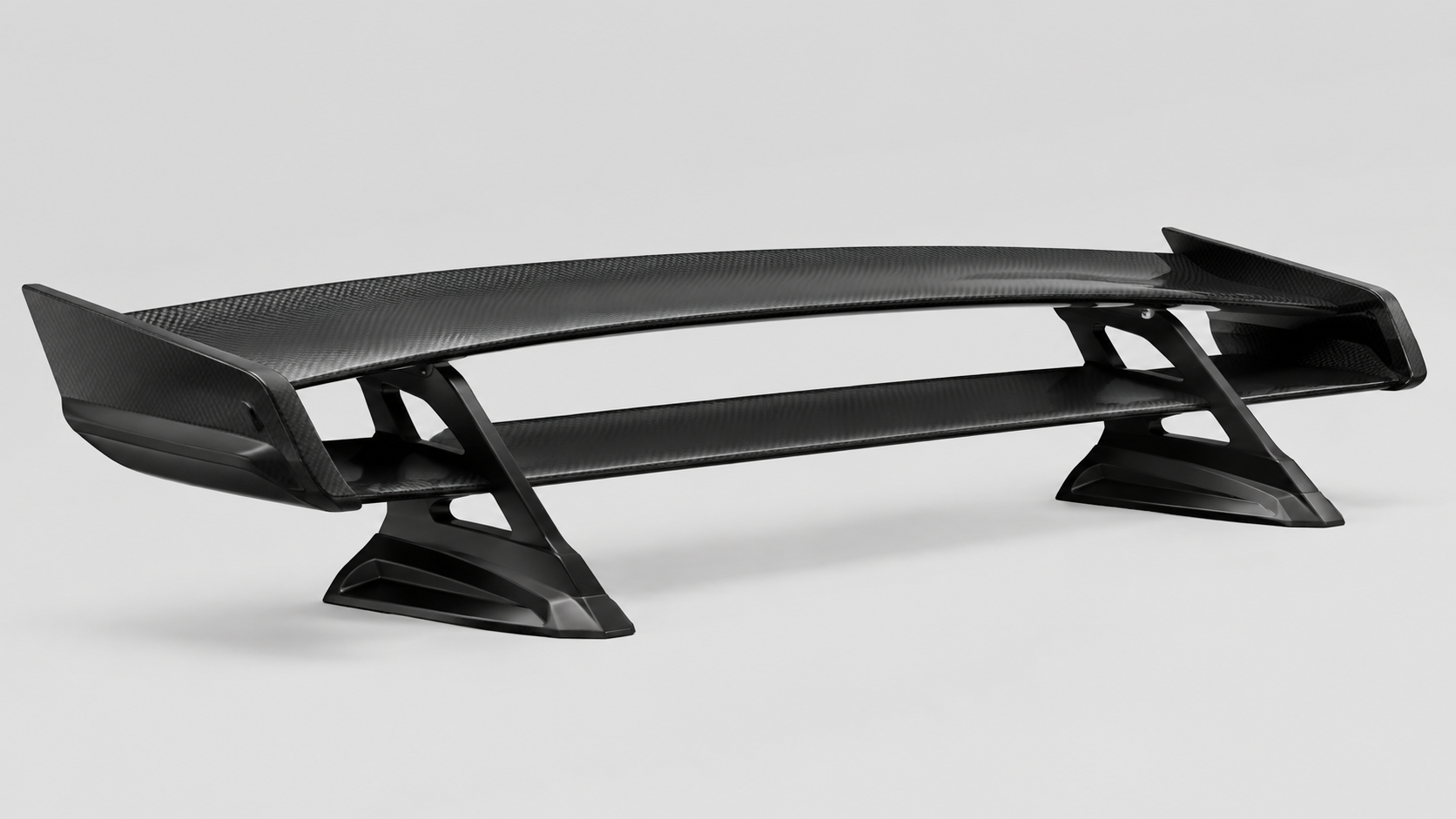
Spoiler
Spoiler

Apply at the backside of the car

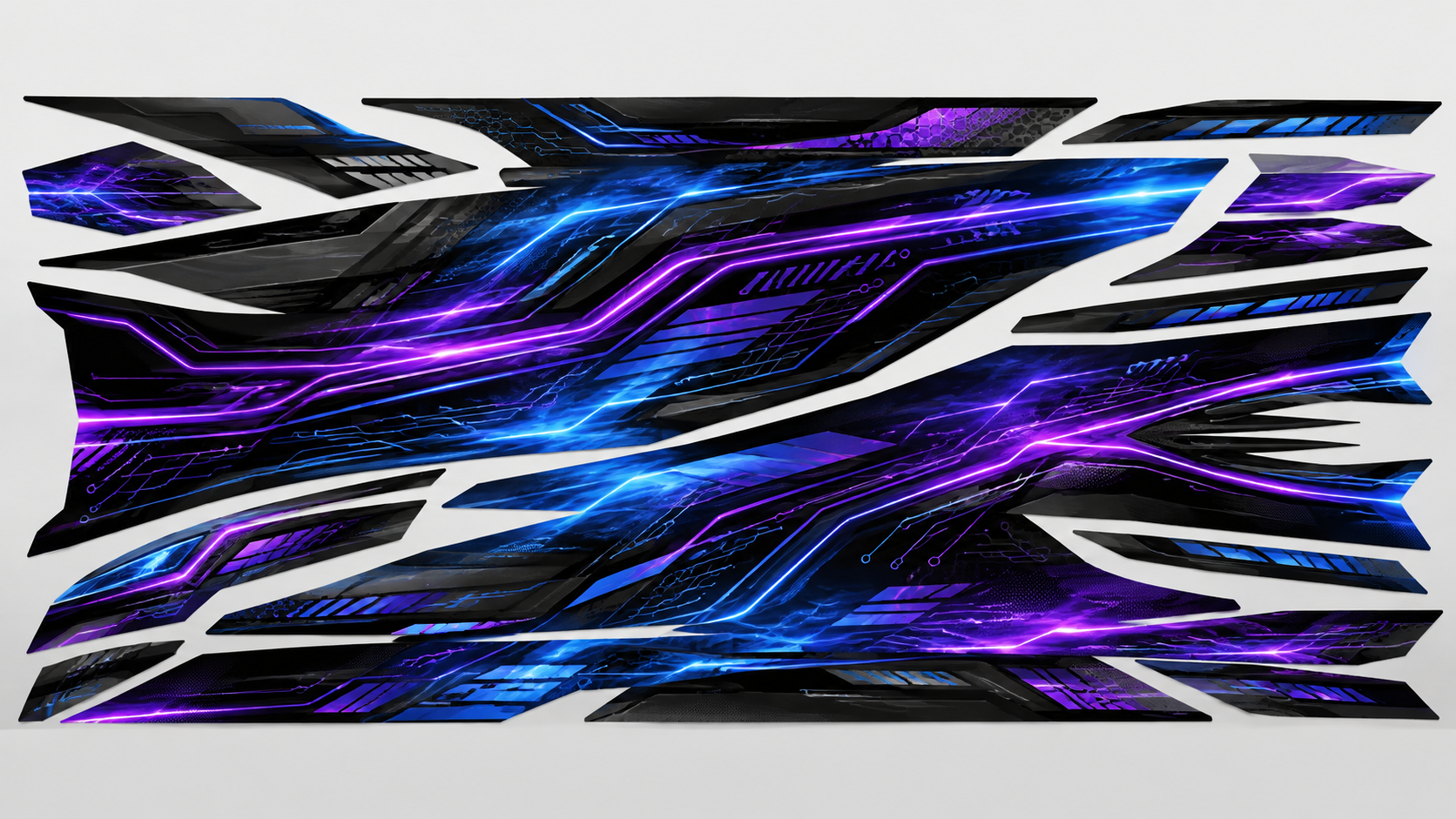
Paint Job
Paint Job

Apply to the whole car

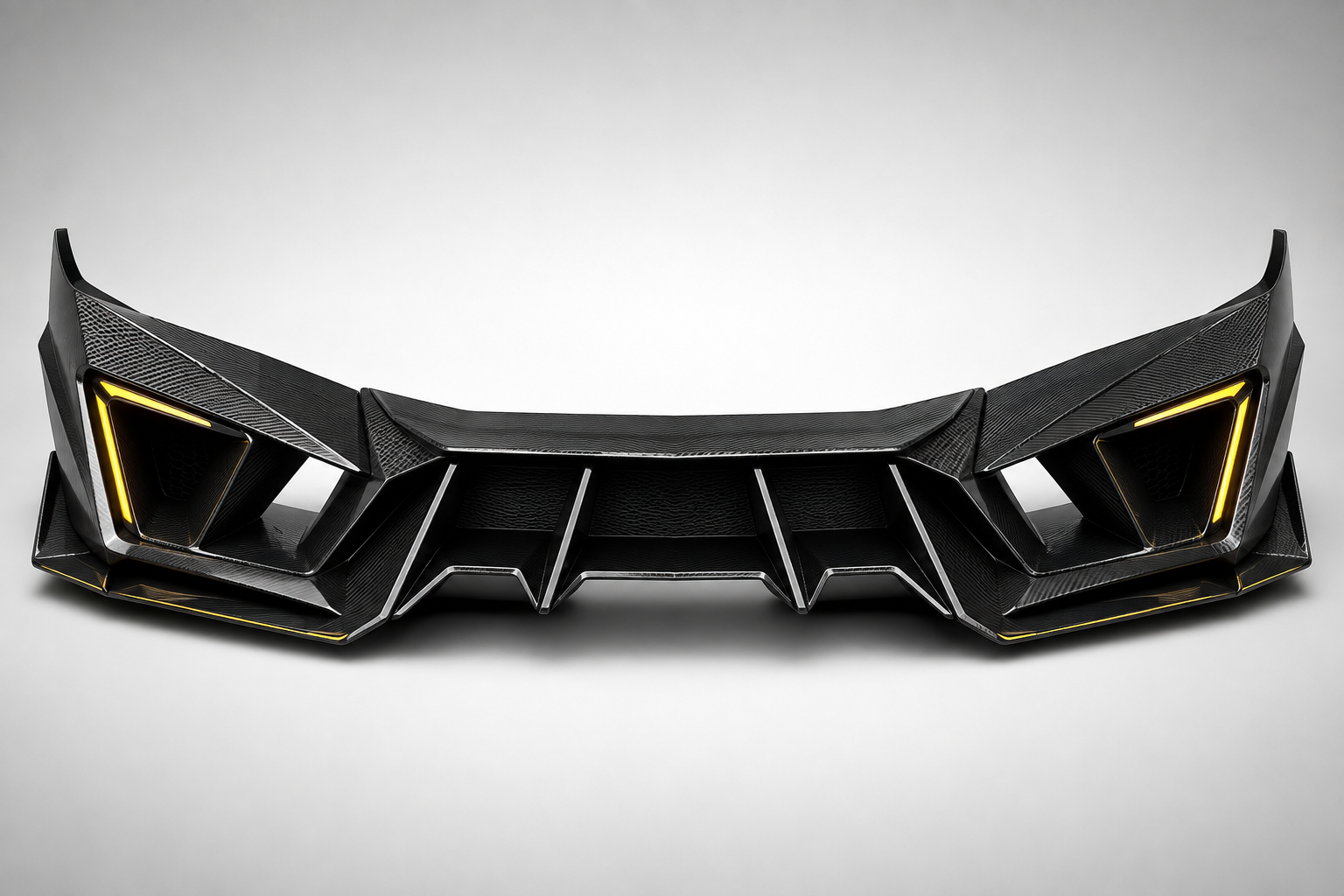
Front bumper
Front bumper

Apply at the frontside of the car

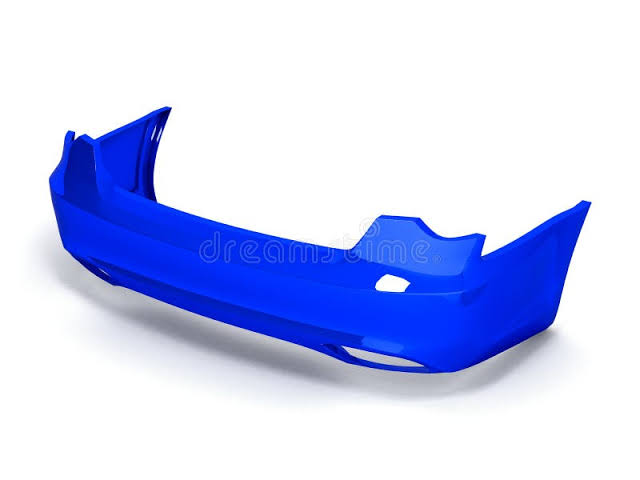
Rear bumper
Rear bumper

Apply at the backside of the car

3

Generate

Every filled angle is sent to gemini-3-pro-image at the same time.

6 of 6 angles rendered
4

Results

Drag the divider to wipe between before and after. Refine controls appear once an angle has a render.

Front Edited · 29.5s
open full size
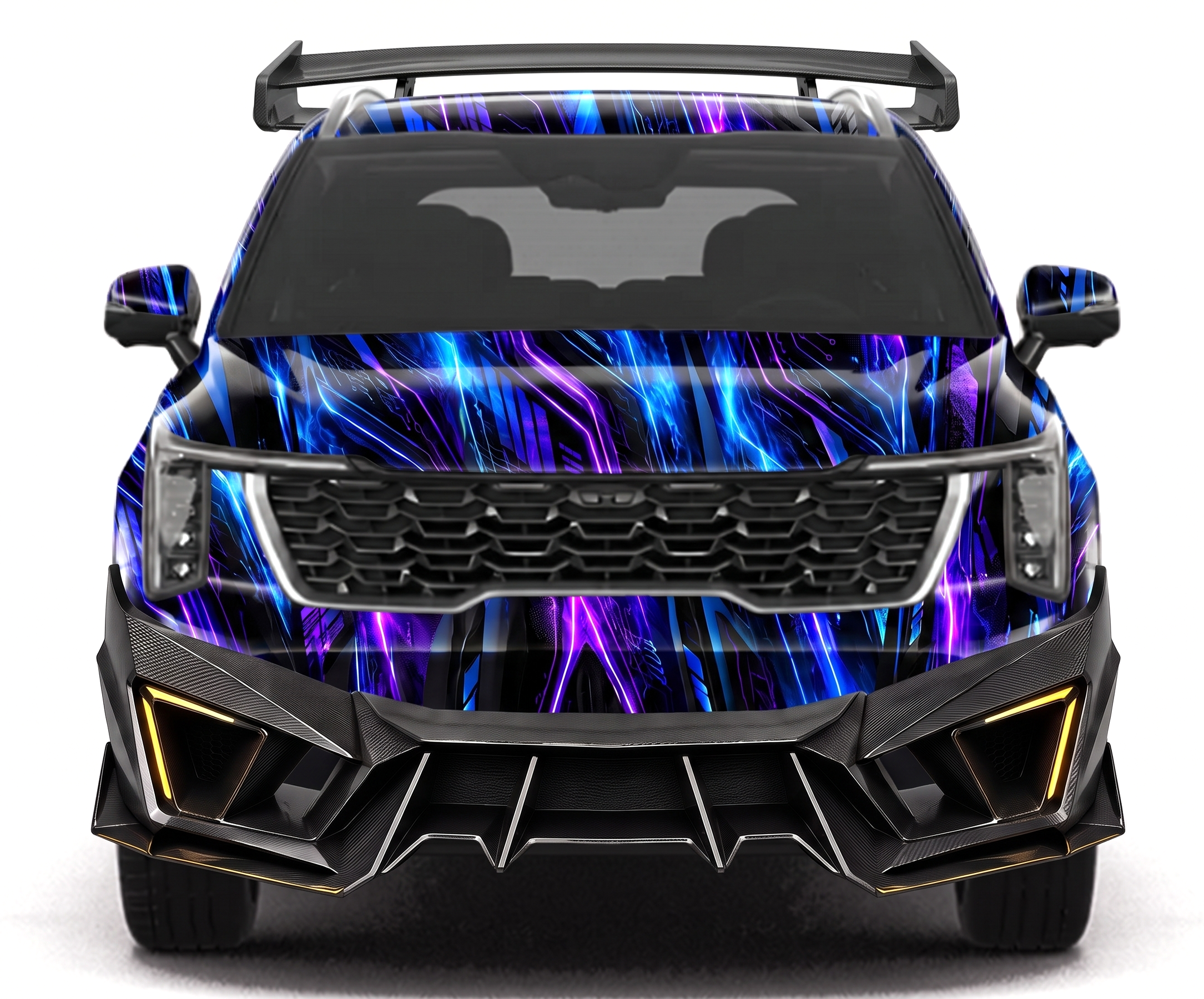
after
before
Before After
tap either side to draw boxes on it
Prompt required
Bounding boxes optional - point at what the prompt means
Either image can carry the boxes - the edit still happens on the render.
Part image optional - if a part was missed or is wrong
replaces the current render · run 2
Front 3/4 Edited · 27.8s
open full size
after
before
Before After
tap either side to draw boxes on it
Prompt required
Bounding boxes optional - point at what the prompt means
Either image can carry the boxes - the edit still happens on the render.
Part image optional - if a part was missed or is wrong
replaces the current render · run 1
Rear Edited · 21.5s
open full size
after
before
Before After
tap either side to draw boxes on it
Prompt required
Bounding boxes optional - point at what the prompt means
Either image can carry the boxes - the edit still happens on the render.
Part image optional - if a part was missed or is wrong
replaces the current render · run 1
Rear 3/4 Edited · 32.7s
open full size
after
before
Before After
tap either side to draw boxes on it
Prompt required
Bounding boxes optional - point at what the prompt means
Either image can carry the boxes - the edit still happens on the render.
Part image optional - if a part was missed or is wrong
replaces the current render · run 2
Left side Edited · 23.1s
open full size
after
before
Before After
tap either side to draw boxes on it
Prompt required
Bounding boxes optional - point at what the prompt means
Either image can carry the boxes - the edit still happens on the render.
Part image optional - if a part was missed or is wrong
replaces the current render · run 1
Right side Edited · 31.9s
open full size
after
before
Before After
tap either side to draw boxes on it
Prompt required
Bounding boxes optional - point at what the prompt means
Either image can carry the boxes - the edit still happens on the render.
Part image optional - if a part was missed or is wrong
replaces the current render · run 1